
How to use a brandmark on your website
When you think about a brandmark, it’s easy to see it as a finishing touch—something decorative that simply “looks nice.” But in reality, it can do so much more.
Used thoughtfully, your brandmark becomes a subtle but powerful way to guide your visitor, add personality, and create a more considered, layered feel across your website.
Here I’m sharing with you a few simple ways to start using yours. I’m using my Toscabrand mark, but you can use any brand mark in this way.
In your website footer
The footer is often overlooked, but it’s one of the most valuable spaces on your website.
Adding your brandmark here brings a sense of cohesion and polish to the very bottom of the page. It’s a small detail that makes a big difference.
Top tip: Link your brandmark back to your homepage. It gives your visitor an easy way to find their way back after scrolling.

As a visual break between text
Long sections of text can feel heavy, especially on mobile. Accordion blocks in Squarespace can be incredibly useful (think FAQs), but can be a bit dull.
Your brandmark can act as a gentle visual pause—something that breaks up content and keeps your page feeling light and engaging.
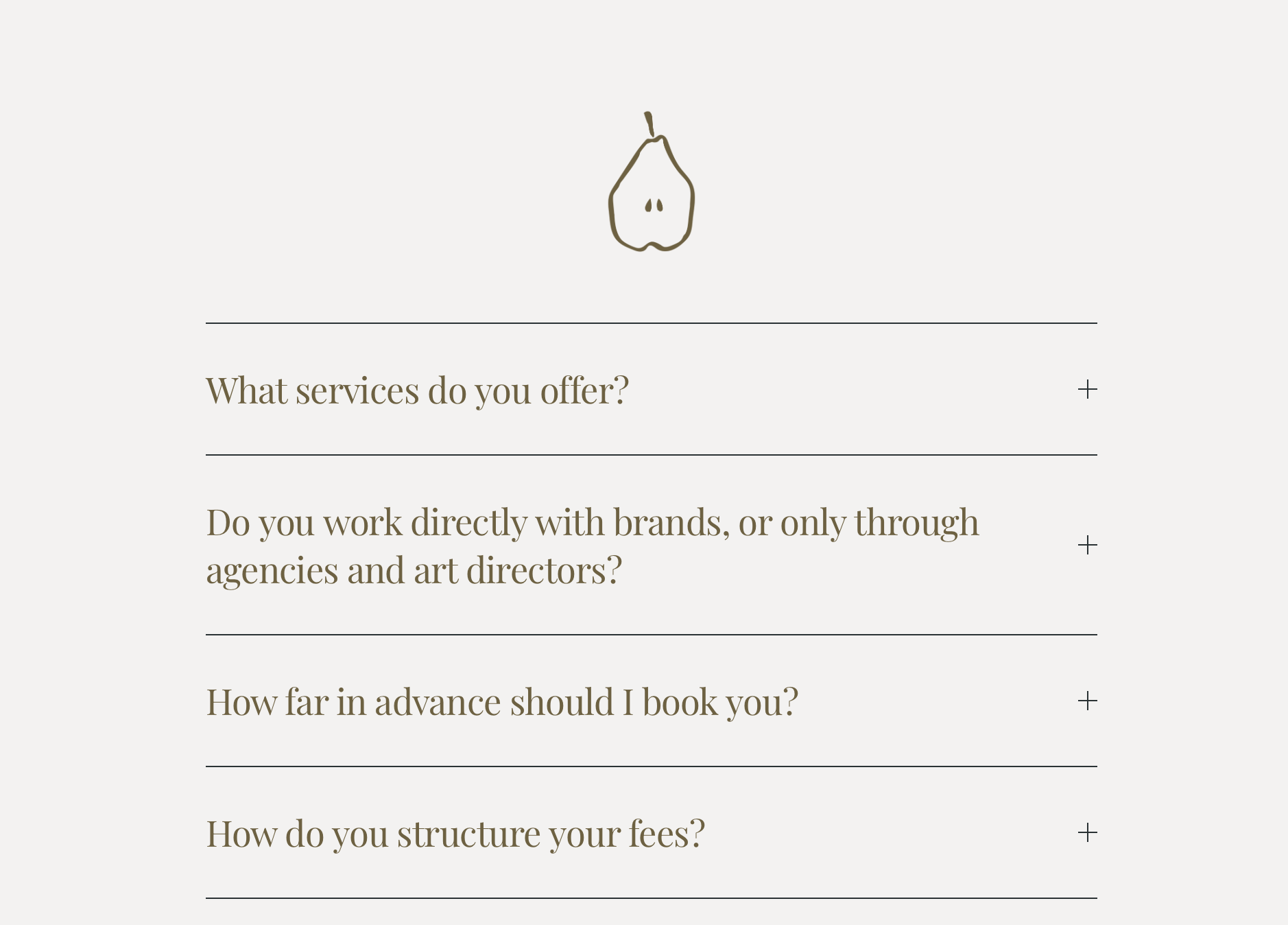
Layered over images
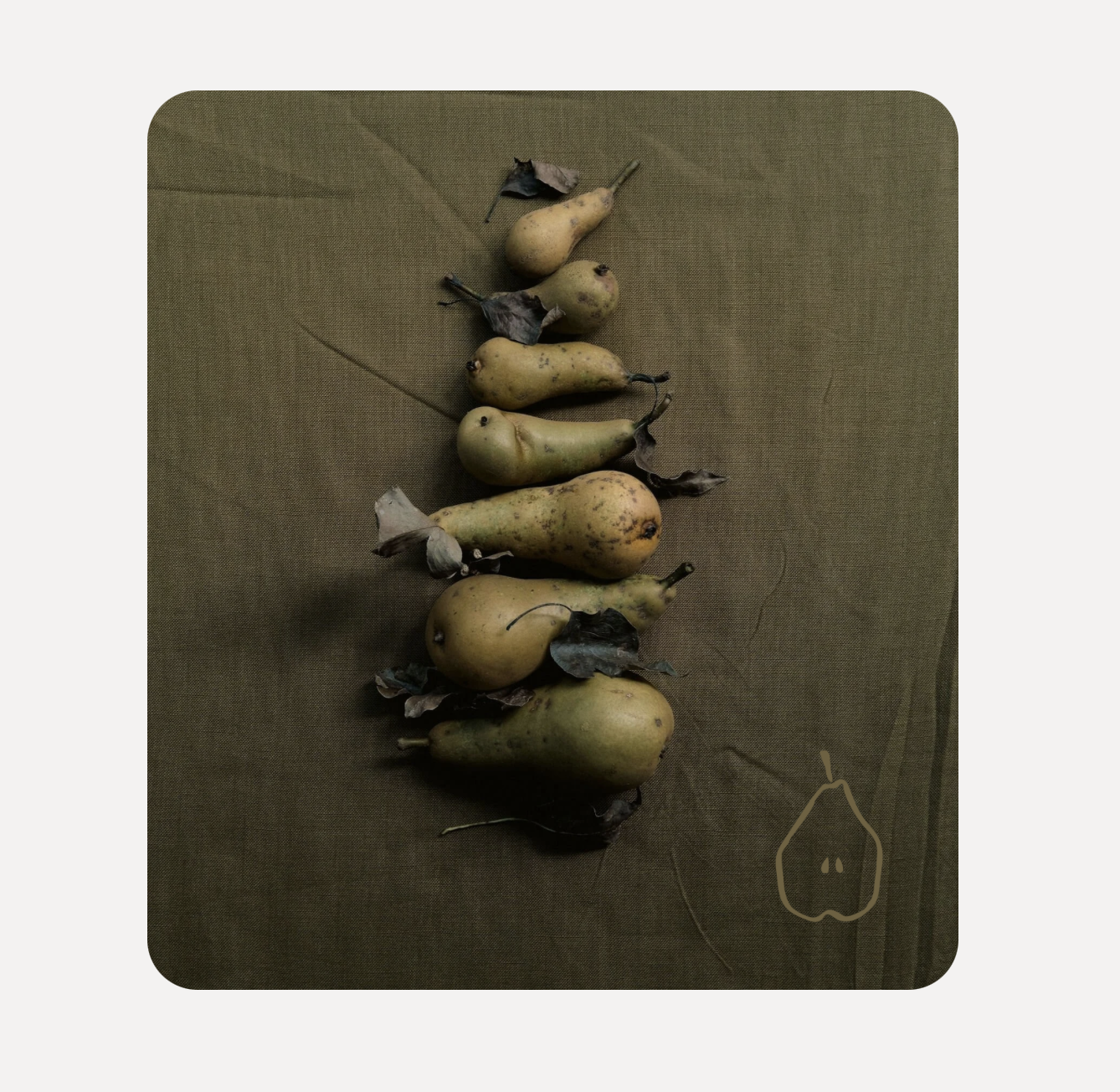
One of the simplest ways to elevate your website is by layering your brandmark over imagery. It will give your website a soft, editorial feel.
Think of it like a stamp or a watermark — subtle, intentional, and part of your visual identity.
Top tip: keep the opacity slightly reduced or choose a softer colour so it enhances the image rather than overpowering it.
Level up further by pinning
If you like the layered look, you’ll love it even more if you pin. This method is a little more advanced that some of the others, but is a great way to add extra animation to your site.
You can either pin an image and have your brandmark glide over or under it as you scroll down the page.
Or you can pin the brandmark, and have the image glide over or under it as you scroll down the page.
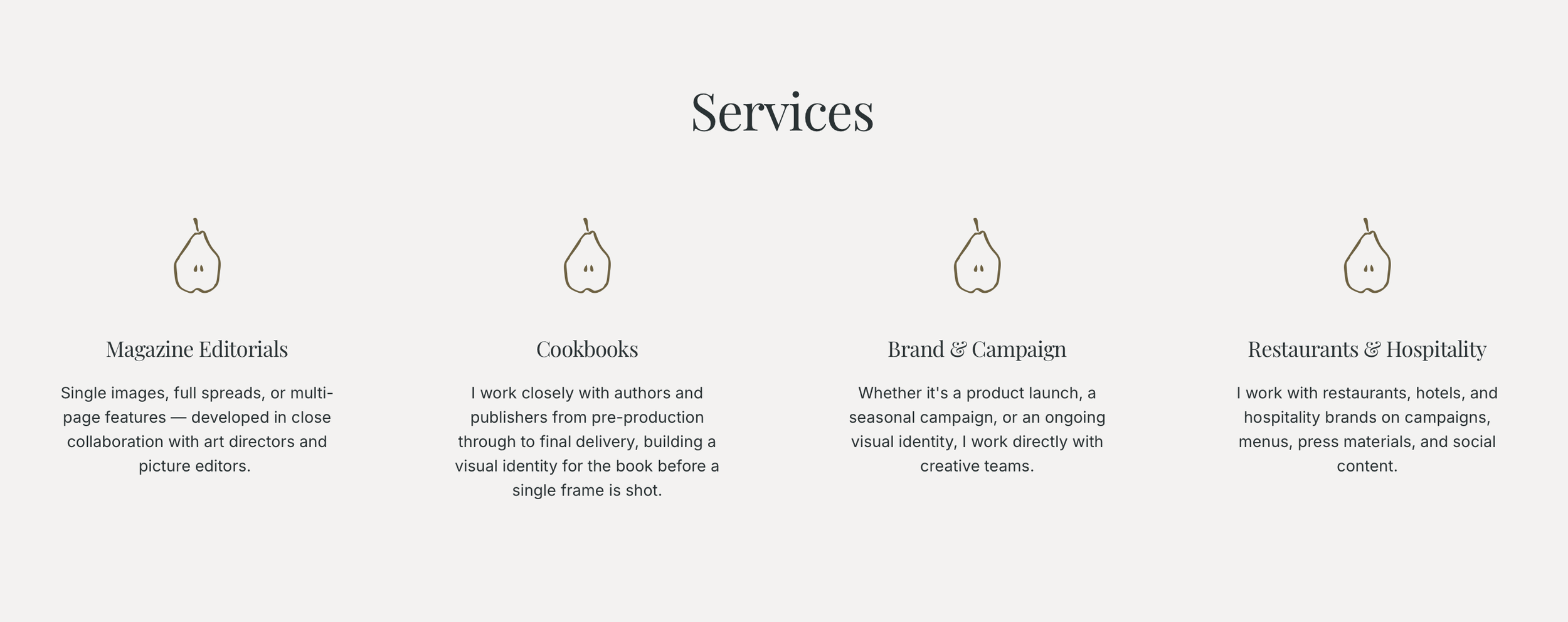
To highlight key points
Your brandmark can also be used more functionally, to highlight key points, for example:
Your brand values
Your services
Key features of your offer
This creates a consistent visual language that feels thoughtful and intentional and guides your customers eye.
As a favicon
Favicons are tiny but mighty. They are the small icon that sits next to your website in tab of your browser. You can use your brandmark as your favicon.
Think of when you have multiple tabs open at once and you’re trying to find one. Websites with a memorable favicon are easiest to spot. If you use your brandmark consistently your audience will spot it and know that it’s you.

Final thoughts
When using your brandmark intentionally, in multiple places helps tie everything together. Rather than feeling like separate pages, your website starts to feel cohesive, like everything belongs.
Just remember to keep it subtle. The key to using a brandmark well is restraint. It should enhance your content, not compete with it.
A few well-placed moments will always feel more elevated than overusing it everywhere.
If you’ve purchased one of my brandmarks, I’d love to see how you use it—whether it’s a small detail in your footer or layered beautifully across your site.




Rocha is a delicate but bold hand-painted pear, designed to work as a brandmark for your business. Clean, distinctive and quietly considered, it suits food photographers and stylists, garden designers, caterers and anyone who wants their online presence to reflect the quality of their work.
Use it wherever your business shows up online — your website, social media profiles, email signature. When a small visual detail appears consistently across everything you do, it makes your whole business feel cohesive and intentional.
At checkout, you'll enter your brand colour/s as a hex code and I'll customise the mark/s to match.
Your customised files will be delivered within 5 working days.