
Finding hex codes to customise your brandmark
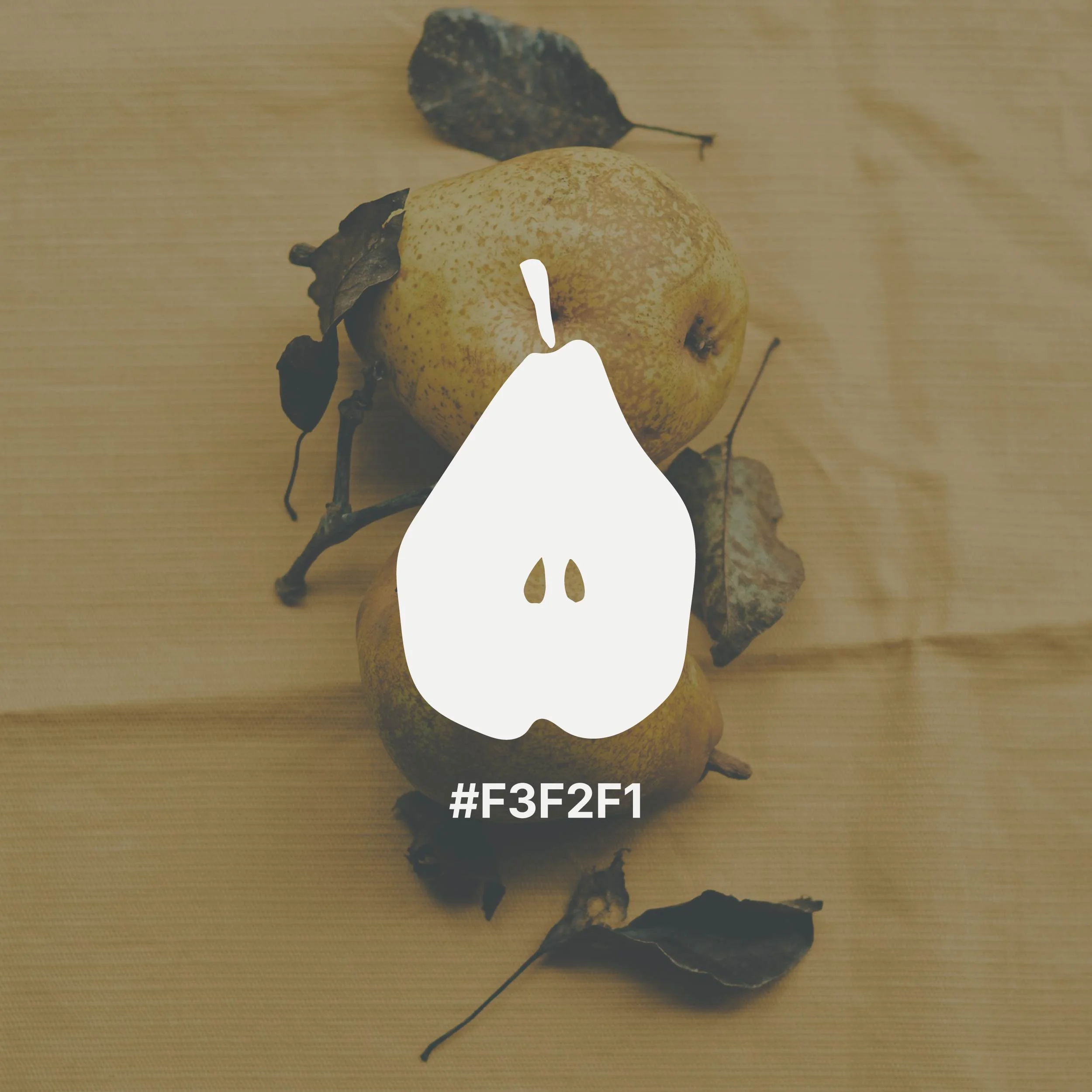
When you purchase one of my brandmarks, you get to tailor it to your brand, by specifying the exact colour you would like.
All I need from you is a hex code. And the best part is there is no design software needed.
What is a hex code?
A hex code is a six-digit code used to represent a specific colour digitally.
It always starts with a hashtag (#) followed by a mix of numbers and letters. For example:
#FFFFFF = white
#000000 = black
#E8A798 = a soft blush tone
Think of it as a precise colour ‘name’ that ensures consistency across websites, graphics, and digital platforms.
How to find hex codes
If you already have a website or brand colours, you may already have hex codes without realising it. For example, if you’ve worked with a designer before, your brand guidelines should include hex codes for your colours.
Alternatively, here are some other ways to find your perfect colour.
Finding hex codes in your Squarespace website
If you’re using Squarespace, this is one of the easiest places to find your brand colours.
Head to Site styles (locate the paintbrush in the top right corner) → Colors
Click on any of your five colour swatches
You’ll see the hex code displayed clearly (e.g. #C4A484)
Simply copy and send that code to me when you place your order.
How to pull a hex code from an image
Websites like ImageColorPicker.com allow you to upload an image and extract colours.You might choose an image from your portfolio, or some inspiration from Pinterest.
Take a screenshot or save the image
Upload it to a free colour picker tool
Click on the area of the image with the colour you like
The tool will generate a hex code for you
Creating a colour palette from scratch
If you’re starting from scratch and don’t yet have brand colours, a free tool like Coolors is a great place to begin.
Simply go to Coolors.co and tap the spacebar to generate colour palettes instantly. When you see something you like, you can lock certain colours and keep generating others until it feels right.
Each colour comes with its own hex code, which you can copy with one click.
How this works with my brandmarks
The process is simple:
Once you’ve chosen your brandmark, add it to cart
Enter the hex code in the check out form
I will custom colour the brandmark for you
You’ll receive an email containing the PNG file within 5 working days.
It’s a simple way to get something that feels completely yours without the cost of a fully custom design.
If you have any questions at all, or you’re unsure which colour to choose, feel free to get in touch . I’m always happy to help you choose colours to elevate your brand.




Rocha is a delicate but bold hand-painted pear, designed to work as a brandmark for your business. Clean, distinctive and quietly considered, it suits food photographers and stylists, garden designers, caterers and anyone who wants their online presence to reflect the quality of their work.
Use it wherever your business shows up online — your website, social media profiles, email signature. When a small visual detail appears consistently across everything you do, it makes your whole business feel cohesive and intentional.
At checkout, you'll enter your brand colour/s as a hex code and I'll customise the mark/s to match.
Your customised files will be delivered within 5 working days.