
How to turn your brandmark into a favicon, profile picture and more
Your brandmark is designed to work small. It’s is a distilled visual signature: simple enough to read at a glance, distinctive enough to be recognised at a thumbnail.
Which means it has a lot of work to do beyond your website header.
This post walks you through every place a brand mark should appear as an icon, how to prepare it yourself using Canva, and when it makes sense to have a designer do it for you.
What's a favicon?
A favicon is the small square or circular icon that appears in your browser tab, next to your website's title. It also shows up in browser bookmarks, in Google search results on mobile, and if someone saves your site to their phone's home screen.
It's a small detail that carries more weight than you might expect. A blank grey square or a default platform logo signals that a website is unfinished. Your own mark signals that someone has thought carefully about every corner of their brand.
It also makes it easier to find and remember your website, especially for those moment when they have multiple browser tabs open.
How to upload a favicon in Squarespace
In your Squarespace dashboard, go to Design → Browser Icon. Upload a square PNG image — at least 300×300px for clean rendering across devices. Save, and it will appear in the browser tab within a few minutes (you may need to refresh).
How to use your brand mark to create a favicon in Canva
If you've purchased a brandmark from my shop, you'll have received a PNG file with a transparent background. That file is everything you need.
Here's how to set it up in Canva:
Open Canva and create a new design. Set the dimensions to 500×500px — this gives you sufficient quality at any display size.
Upload your brand mark PNG using the Uploads tab on the left panel.
Place it on the canvas. You can leave the background transparent, or add a filled circle or square in your brand colour if you'd prefer a solid icon. Just remember to make sure there is ample contrast between the brandmark and background.
Adjust the size and positioning of the brandmark — a small amount of padding around the mark tends to look cleaner than filling the canvas edge to edge.
Download as PNG, and tick the Transparent background option if you want no background fill.
This single file works across every platform below, so it's worth preparing once and saving it somewhere easy to find.

Everywhere your brand mark should appear as an icon
Here is a list of all the ways you can use versions of your favicon file to show up consistently online.
Favicon — as above. Your website browser tab, bookmarks, and mobile home screen shortcut.
Instagram profile picture — displays as a circle, so keep your mark well within the centre of the canvas when you create it. A 500×500px PNG works well here.
Pinterest profile picture — also circular. Same file, same approach.
LinkedIn business page — if you run a studio or named business (a photography studio, a floristry company, a design practice), your LinkedIn business page profile image should carry your mark rather than a portrait. If you use LinkedIn as a personal profile but it functions as your business presence, the mark works there too.
WhatsApp Business profile picture — many small creative businesses use WhatsApp for client communication. A consistent, branded profile image makes those conversations feel more considered.
Google Business Profile — florists, interior designers, garden designers, and photographers often have a Google listing. The profile image should match your wider brand identity.
Email marketing — platforms like Flodesk and Mailchimp display a small sender logo in campaign footers and sender details. Your mark here keeps your emails visually consistent with your website.
Linktree or link-in-bio pages — if you're directing Instagram traffic to a hub page, the profile image at the top should be your mark, not a photograph.
Would you rather have it done for you?
If you'd prefer not to spend time in Canva, this is exactly the kind of work I can do for you during a Design Day — a focused session of hands-on design support where I work through your brand asset needs with you, or on your behalf.
We can produce your favicon and other assets, prepare profile images sized and optimised for every platform you use, and make sure everything is consistent before it goes live.

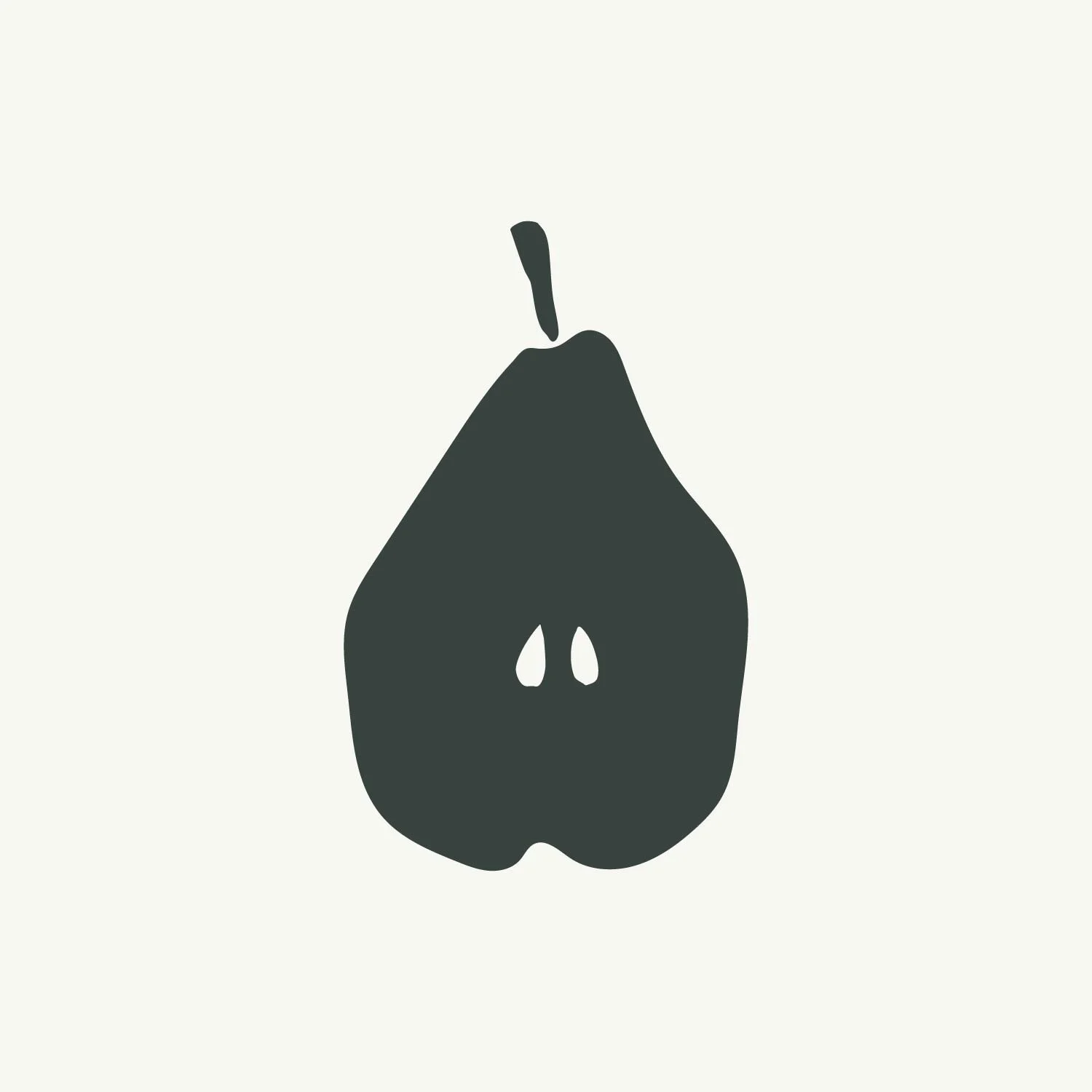


Rocha is a delicate but bold hand-painted pear, designed to work as a brandmark for your business. Clean, distinctive and quietly considered, it suits food photographers and stylists, garden designers, caterers and anyone who wants their online presence to reflect the quality of their work.
Use it wherever your business shows up online — your website, social media profiles, email signature. When a small visual detail appears consistently across everything you do, it makes your whole business feel cohesive and intentional.
At checkout, you'll enter your brand colour/s as a hex code and I'll customise the mark/s to match.
Your customised files will be delivered within 5 working days.